AI coding agents are becoming part of daily development work.
Tools like Codex and Claude Code can help write code, debug issues, and work inside real projects. But they often need access to project-specific environment variables.
That creates a simple but annoying problem: the right keys need to be available in the right folder, without leaking into every other project.
What is aiscope?
aiscope is a small open-source CLI for auto-loading local scopes for AI coding agents.
The goal is simple:
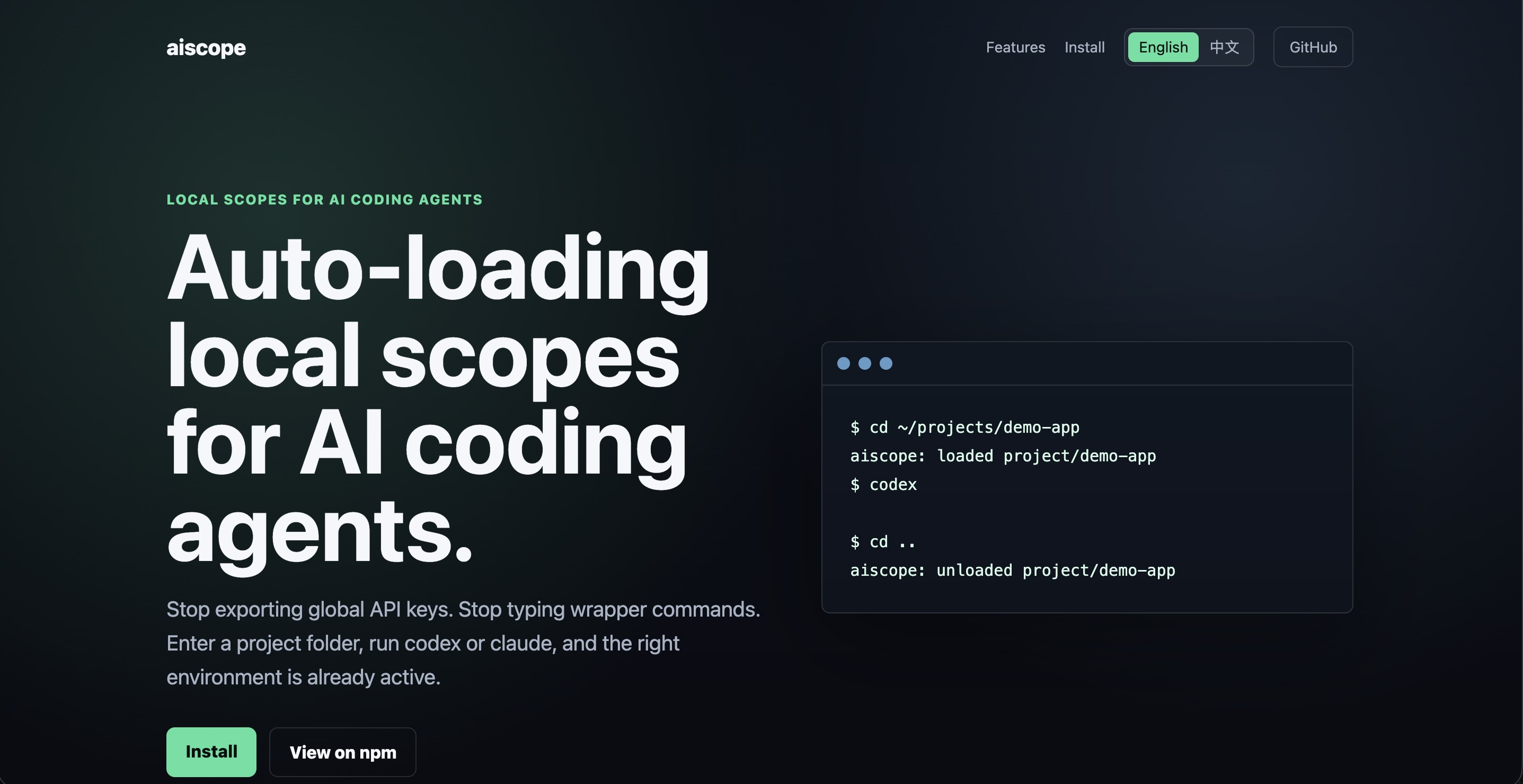
cd ~/projects/demo-app
codex
That should be enough.
No wrapper command. No global API keys. No manual environment switching.
When you enter a scoped folder, aiscope loads the right environment. When you leave that folder, it unloads the scope.
cd ~/projects/demo-app
aiscope: loaded project/demo-app
codex

cd ..
aiscope: unloaded project/demo-app
The folder controls the scope.
Any CLI launched inside that folder gets the right environment.
Why local scopes matter
AI coding tools often need environment variables such as:
OPENAI_API_KEYANTHROPIC_API_KEY- database URLs
- Cloudflare tokens
- Vercel tokens
- project-specific config
The usual workflows are clunky:
dotenvx run -- codex
source .env && claude
OPENAI_API_KEY=... codex
Another common approach is exporting everything globally in .zshrc.
That works until you switch projects and accidentally carry the wrong keys into the wrong place.
For developers, indie hackers, and SaaS builders, this becomes more painful as the number of projects grows.
aiscope is built to make that workflow safer and simpler.
How aiscope works
aiscope gives every project or skill its own local scope.
A project scope can be used for a specific app, SaaS project, API, or website.
mkdir my-app
cd my-app
aiscope init project my-app
aiscope edit
codex
A skill scope can be used for reusable workflows, such as frontend design, infrastructure work, or agent-specific setups.
mkdir frontend-design
cd frontend-design
aiscope init skill frontend-design
aiscope edit
claude
Once the shell hook is enabled, aiscope watches directory changes.
When you enter a folder with a scope, it loads the matching environment. When you leave, it unloads it.
What aiscope supports today
The first version is intentionally small.
It supports:
- project scopes
- skill scopes
- zsh hook
- bash hook
- local env vault
- masked status output
- safe dotenv parsing
This keeps the tool focused on one job: making local AI coding environments easier to manage.
Install aiscope
Install the CLI with npm:
npm install -g aiscope
Then enable the shell hook:
eval "$(aiscope hook zsh)"
For permanent zsh setup:
echo 'eval "$(aiscope hook zsh)"' >> ~/.zshrc
source ~/.zshrc
After that, aiscope can automatically load and unload scopes as you move between folders.
Security model
aiscope is local-first.
Secrets live in:
~/.aiscope/vault
Status output masks values by default:
Loaded keys:
  OPENAI_API_KEY=***
  ANTHROPIC_API_KEY=***
  DATABASE_URL=***
Env files are parsed as data, not executed as shell scripts.
aiscope is not trying to be a cloud secrets manager or an encrypted vault yet. It is a small local tool for making AI coding workflows smoother and less error-prone.
Roadmap
Future versions may include:
- encrypted local vault
- agent and workflow scopes
- scope permissions
- AI context files
- 1Password integration
- Bitwarden integration
- Homebrew install
- VS Code extension
These features would make aiscope useful for more advanced agent workflows while keeping the local-first model.
Useful links
Recommendation
aiscope is worth trying if you use AI coding agents every day and switch between multiple projects.
It solves a practical problem: keeping the right environment variables attached to the right local folder.
For solo developers, indie hackers, and SaaS builders, that can make AI-assisted coding cleaner, safer, and less error-prone.